
Searching Cases by Name
The North Carolina eCourts Portal is the official online home for a Yancey County case search. Open Smart Search. Enter a name in Last, First order, or use a record number if you have one. When matches come back, apply the Yancey County location filter. Use the public case-type options too, so statewide results do not drown out the local court record. One caution from the Portal guide: the advanced Party Name option can thin out your results. Wildcards do not work there. A plain name search is the better first move.
- Open Portal and select Smart Search for the Yancey County case record route.
- Enter a full party name in the basic field, beginning with the last name.
- Set Location to Yancey County and select a case type only when it is known.
- For a broad last name, use the published wildcard rule of three last-name characters plus *.
- Open the matching Case Summary and compare its party, assignment, and event details with the court paper.
| Portal field | Type | Required | Yancey search use |
|---|---|---|---|
| Smart Search | Dashboard button | Select a method | Opens the case-information and Case Summary route. |
| Record Number OR Name | Text | One usable criterion | Enter a full case number or party name. |
| Advanced Filtering Options | Control | Optional | Opens general, party, and case search criteria. |
| Location | Dropdown | Optional | Select Yancey County for a local result set. |
| Party name | Text | Optional | Use last and first name filters where needed. |
| Date of birth | Date or text criterion | Optional | Available under party criteria with public display limits. |
| Citation and attorney criteria | Text | Optional | Portal supports citation number and attorney name or bar number. |
| Business name or nickname | Text | Optional | Use four characters plus * for a business or nickname wildcard. |
| Case type | Dropdown | Optional | Choose the public criminal, civil, estate, or special-proceeding group. |
| Case status | Dropdown | Optional | Use only a status that applies to the selected case type. |
| Filing date range | Date fields | Optional | Limits a Yancey case search by filing period. |
| Submit | Button | Required | Narrow criteria if Portal reports its 200-result cap. |
| Clear or Reset | Button | Optional | Removes search criteria when the interface shows the control. |
Yancey Case Search Tools
Smart Search is the Yancey County tool. It opens the detailed Case Summary and the Register of Actions. Judgment Search is something else entirely. It is just an index of judgments rather than the full chronology. Smart Search accepts a party name, record number, citation, attorney, business, cross-reference, or nickname. Results arrive in near-real-time. Still, a filing uploaded moments ago may lag. A public search never promises every document or field. The Judicial Branch's Portal training resources walk through the public Case Summary. They cover the search tools available for Yancey County cases.
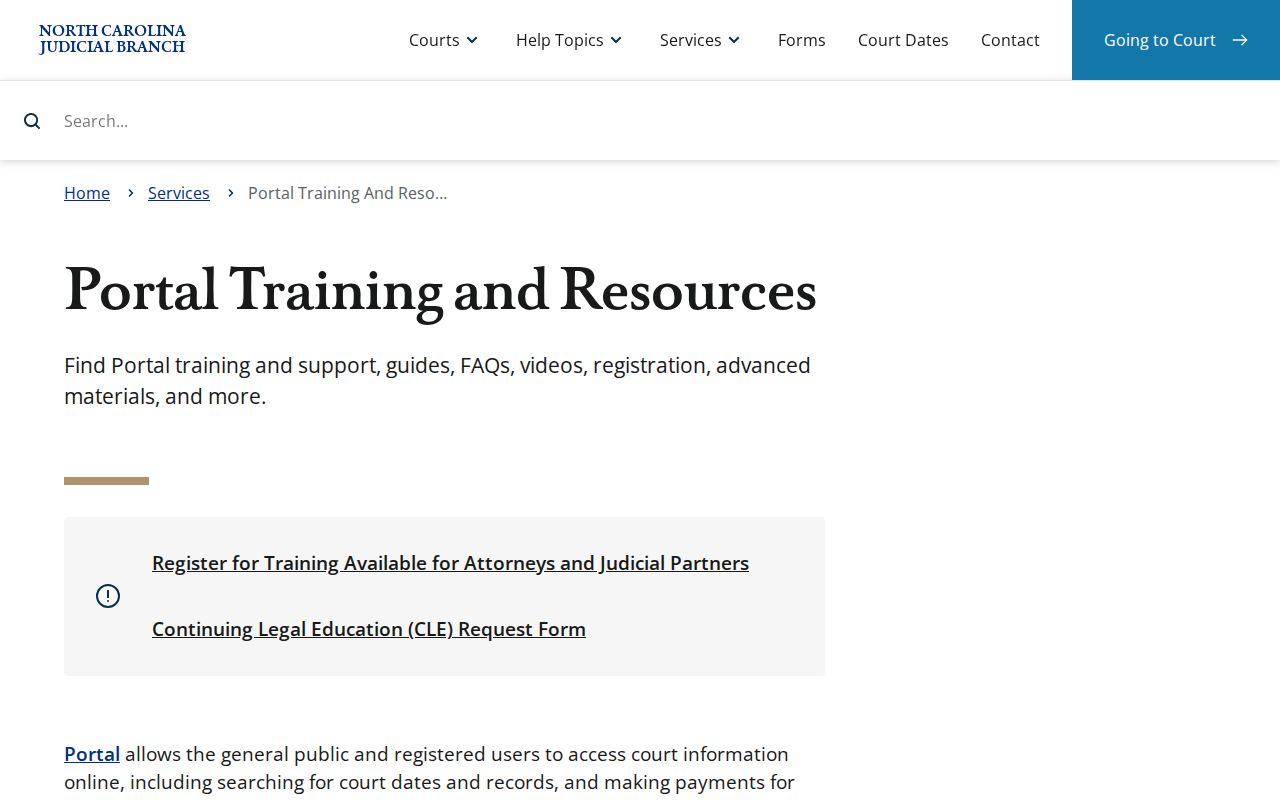
The training view helps you spot each section of a Case Summary once a Yancey result opens on screen.
Note: Portal registration is optional for public Yancey searches; it only adds the convenience of saved My Cases.
Searching by Case Number
The fastest key is a number off a citation, summons, notice, or earlier court paper. That number powers a Yancey County case search. Enterprise Justice formats it with a two-digit year, a lettered case type, a six-digit sequence, and a three-digit county identifier. The state's own example is 21CR000003-910. Type the number exactly as printed or as the Portal returned it. Do not guess the county suffix from a map code or an old local habit. A wildcard search needs at least four characters before the *. If an exact number turns up no Yancey case, drop the wildcard. Check every character. Then ask the clerk or use the public terminal before concluding the file does not exist.
Yancey Case Code Basics
Letter codes sort a Yancey case into the right public search group. Think of them as clues to case type, nothing more. Portal event labels can vary from case to case, so read the label exactly as the record displays it.
- CR
- A criminal District Court indicator; on traffic paperwork it signals that a criminal offense is included.
- IF
- An infraction-only indicator used on a Yancey citation or case number.
- CRS
- The court-statistics label for a criminal Superior Court case.
- Case Summary
- Portal’s chronological record view, also called the Register of Actions.
Note: a Yancey case code points to a case group. It says nothing about current status or any result.
What a Case Search Returns
A public Yancey County result usually opens a Case Summary. Expect case information, assignment information, party information, events, hearings, dispositions, and financial information where applicable. Civil, family, probate, and mental-health setups may also list causes of action. One thing to keep straight. A listed event shows only that activity was entered on the docket. It is not a certified copy of the pleading, order, or judgment behind that entry.
| Case number | The Enterprise Justice identifier for the specific Yancey case. |
|---|---|
| Assignment information | Court or judicial assignment when it is entered in the public record. |
| Party information | Role-labeled case participants, subject to legal display limits. |
| Case events | The dated chronology of filings, court actions, and other case activity. |
| Hearings | Current date, time, and location information when publicly entered. |
| Disposition and financial information | Outcome and obligation fields where public and applicable. |
Yancey Case Location Filters
The Portal now spans the whole state. That makes the Location control carry real weight in a Yancey County case search. Set it to Yancey County before trusting any name match as local. The Case Type control deserves the same care. Criminal and Infraction covers traffic and criminal matters. Civil Actions, Estates, and nonconfidential Special Proceedings sit in separate public groups. A status filter set wrong can hide cases that would otherwise match. Filtering by location also separates a true Yancey case from a same-name hit elsewhere in North Carolina. Drop the filter only when a court paper points to another county. A statewide sweep is the other reason to drop it.
Statewide vs County Case Search
Yancey publishes no separate local case-search site. Instead, the statewide eCourts Portal does double duty: it serves as the general route and the local route once the Location filter is set to Yancey County. That makes one official system enough for a known local matter and for checking whether a case paper actually belongs in another North Carolina county.
| Yancey-filtered Portal search | Statewide Portal search |
|---|---|
| Limits results to Yancey County. | Searches across the statewide eCourts availability. |
| Best when the case, citation, or hearing is known to be local. | Useful when the county is uncertain or a name has moved between venues. |
| Still opens the same public Case Summary layer. | Still requires narrowing broad results and checking case details. |
Note: a statewide match does not prove that every public filing for that Yancey case is online.
Yancey Case Search Layers
Let the tools divide the labor. Smart Search gives you the chronology; Judgment Search gives only its narrower index layer, which can show a case number, disposition status, index date and time, parties, and judgment comments. Need the full Yancey Case Summary? The Judicial Branch sends you back to Smart Search. Hearing dates have their own tool: Search Hearings finds current time and place, while Smart Search holds the larger timeline. The two work together. Neither replaces a straight answer from the Yancey clerk when a date, a pending filing, or an official copy matters.
Access and Restricted Cases
Searching the free public Portal takes no registration. Free is not the same as unrestricted, though. Some Yancey County court docket material simply stays off public view. The Portal FAQ lists unreturned criminal warrants, juvenile matters, and protective orders as categories with access limits. Domestic-violence records face Internet-display limits too. A family, probate, or mental-health case may show its index. Parts of the record can still stay restricted.
The Yancey clerk keeps the records, files, dockets, and indexes. The public may inspect them unless a law says otherwise. That rule comes from G.S. 7A-109. Juvenile confidentiality, sealing, expunction, or a court order can each limit what a Yancey name or number search displays. So a blank result is not always the last word.
Yancey Case Access Limits
An account adds nothing to ordinary public access. Registration only supports saved My Cases. Higher access is statutory and role dependent, and an attorney must be an Enterprise Justice active attorney on the case. Portal also hides the month and day of birth in the public view wherever that information is recorded, and it offers no charge-only public search.
A missing Yancey result has several explanations. The query may have failed, the record may be restricted, the file may be older, or the case may sit in another county. None of that proves the case was sealed. Treat a blank as a clue, not a conclusion about a Yancey County court docket.
Yancey Case Search Fallback
When Portal does not answer the question, go local. The Yancey County Clerk of Superior Court keeps the Superior Court and District Court files. The clerk can also point a visitor to the courthouse public self-service terminal. State guidance covers those terminals. They can search criminal cases by defendant name, case number, victim, or witness. They also reach civil, estate, and special-proceeding information. The counter handles inspection of an eligible file and certified copies too.
Call the clerk at (828) 678-5700 before any time-sensitive trip. An older paper file may need extra help. The same goes for a problem with a case number, or a document not visible online. Describe the Yancey case number and the item you want rather than trusting a screen result alone.
Note: Ask the clerk counter where the Yancey courthouse terminal sits, since no official terminal map is published.
Yancey Case Search Migration
Yancey joined eCourts on July 21, 2025. That brought the Enterprise Justice case-management system, File & Serve electronic filing through Enterprise Justice (Odyssey), and Portal access. North Carolina finished its statewide conversion in October 2025. So a Yancey paper filed before the change can carry a newer four-part case number and an online Case Summary, while the local clerk remains the file custodian throughout. The official Track 9 announcement documents the Yancey conversion. Digitization depth for older files is not published, so ask the clerk about a pre-eCourts record.
Yancey Case Date Checks
A Yancey Case Summary entry is a start. It does not settle a pending date. Check through Search Hearings and, when needed, the clerk. Search Hearings works from a Yancey County location, a hearing type, and a date range. It also needs one identifier route, such as case number, party name, attorney, judicial officer, or courtroom. It returns the current hearing location and time rather than every historical entry.
A continuance or reset can leave an older event sitting in the case chronology. Read the newest valid hearing information first. Then confirm any recently changed Yancey court date straight with the court before you rely on it.