
Yancey Civil Court Lanes
Money sets the first fork in the road. Superior Court takes Yancey civil actions over $25,000. District Court handles claims at or below $25,000 plus family matters, small claims, and other statutory lanes. Estates and special proceedings run through the clerk. The unified Yancey County Clerk of Superior Court still keeps those records. Check the division and case type before you read any civil timeline. A mislabeled lane will confuse the entries. The District Court overview spells out that court's civil and small-claims jurisdiction.
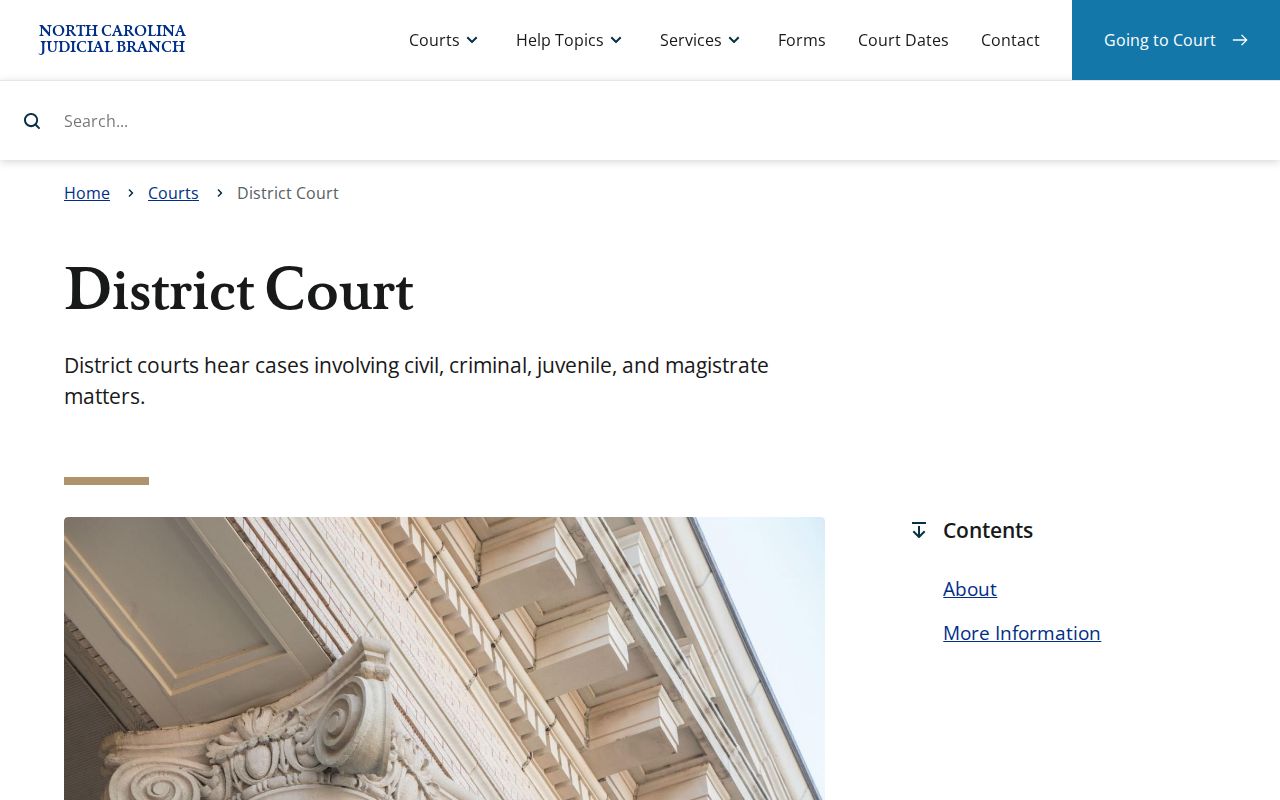
One office holds the paper in every lane. Whether a Yancey civil case sits in Superior Court, District Court, or a clerk-centered category, the local clerk keeps the file.
How to Search Civil Dockets
Go online through the North Carolina eCourts Portal (Search/Pay) Smart Search. Type the exact case number if you have it. For a party-name search, set the Location to Yancey County. Then pick the right public case-type group. Civil Actions, Estates, and nonconfidential Special Proceedings are separate choices. A statewide name sweep is no substitute for the correct local category.
- Open Smart Search and enter the case number or a party name.
- Set Location to Yancey County and use the fitting civil, estate, or nonconfidential special-proceeding filter.
- Open the matching Case Summary and confirm the court assignment and party roles.
- Read case events, hearings, and disposition information in sequence.
- Use the clerk counter or public terminal for eligible public material that does not appear in the Portal.
Yancey Civil Search Filters
Smart Search comes with filters. The Judicial Branch's Portal resources list location, party criteria, case number, case type, case status, and filing date among the controls. A case type set too broadly can mix unrelated civil categories together. A status chosen for the wrong category can leave results incomplete. Use the case number printed on a summons, notice, or earlier court paper whenever you can. Portal record numbers have four parts. The format runs two-digit year, lettered case type, six-digit sequence, and a three-digit county identifier. Guessing the county suffix from an outside code is a mistake. Match your typed number against the one on the Yancey court document. Note: The case-type filter matters. Civil actions, estates, and nonconfidential special proceedings are distinct public groups.
What a Civil Docket Shows
A civil Case Summary can show a lot. Expect case number, court and assignment, party roles, causes of action, a chronological event list, hearings, dispositions, and financial information where it applies. A cause of action is simply the legal claim or category named in the matter. The event list puts the filing, service, response, request for setting, order, judgment, and later activity in order. But it does not promise that every filed document image is public or online.
| Case information | The public case number and basic court context for the Yancey civil matter. |
|---|---|
| Assignment information | The court or judicial assignment when it has been entered. |
| Causes of action | The claim category displayed where applicable, not a substitute for reading the filed pleading. |
| Case events | A dated chronology of recorded filings, service, motions, notices, orders, and other activity. |
| Hearings and disposition | The scheduled court event and entered outcome information, when applicable and publicly visible. |
Yancey Civil Case Summary
Think of the Case Summary as the public register of actions. It is not the same thing as a certified case file. Read the complaint or petition, the service or summons activity, any answer or motions, notices, orders, and judgment events as one sequence. A status label can help you find your place in that sequence. It cannot replace the signed order or judgment when the exact terms matter. Portal may offer document access only where the material is public and available. Seeing that an order was entered is evidence of a docket event. That is not proof the full signed order is displayed. For an official copy, ask the Yancey clerk for the document. Say whether you need certification. Note: Use the Case Summary for chronology. A filed paper or certified copy serves a different purpose.
Types of Civil Cases on the Docket
Yancey's unified clerk records several civil lanes. Among them are civil actions in the trial divisions, estates, and nonconfidential special proceedings. Case type drives both the right Portal filter and the court context. Family or other sensitive matters can carry protected portions even when a public index exists, so confirm access from the record itself rather than the category name.
| Civil lane | Where it generally belongs | Search starting point |
|---|---|---|
| Civil action over $25,000 | Superior Court | Yancey location with the Civil Actions case-type context. |
| Civil action at or below $25,000 | District Court | Yancey location with the Civil Actions case-type context. |
| Small claims and statutory District Court matters | District Court or magistrate lane | Case number first, then the local clerk if the public result is unclear. |
| Estates or nonconfidential special proceedings | Clerk-centered records | Use the distinct Estates or Special Proceeding public filter. |
Yancey Civil Setting Forms
District 35's local rules and forms page lists the paperwork behind a Yancey civil setting. A Notice of Hearing starts things. So do the domestic and general-civil Request for Setting forms. A Motion to Continue and an Order on Continuance are on the list too. A Motion or Order for Peremptory Setting rounds it out. Read together, the names trace the local path from request to setting. No form sets a universal deadline. None of them promises you can appear remotely.
The official civil caseload activity report shows county-level filing totals. It also shows how cases close across the state. Those numbers describe the whole docket load, though. They cannot tell you the schedule or status of any one Yancey civil case.
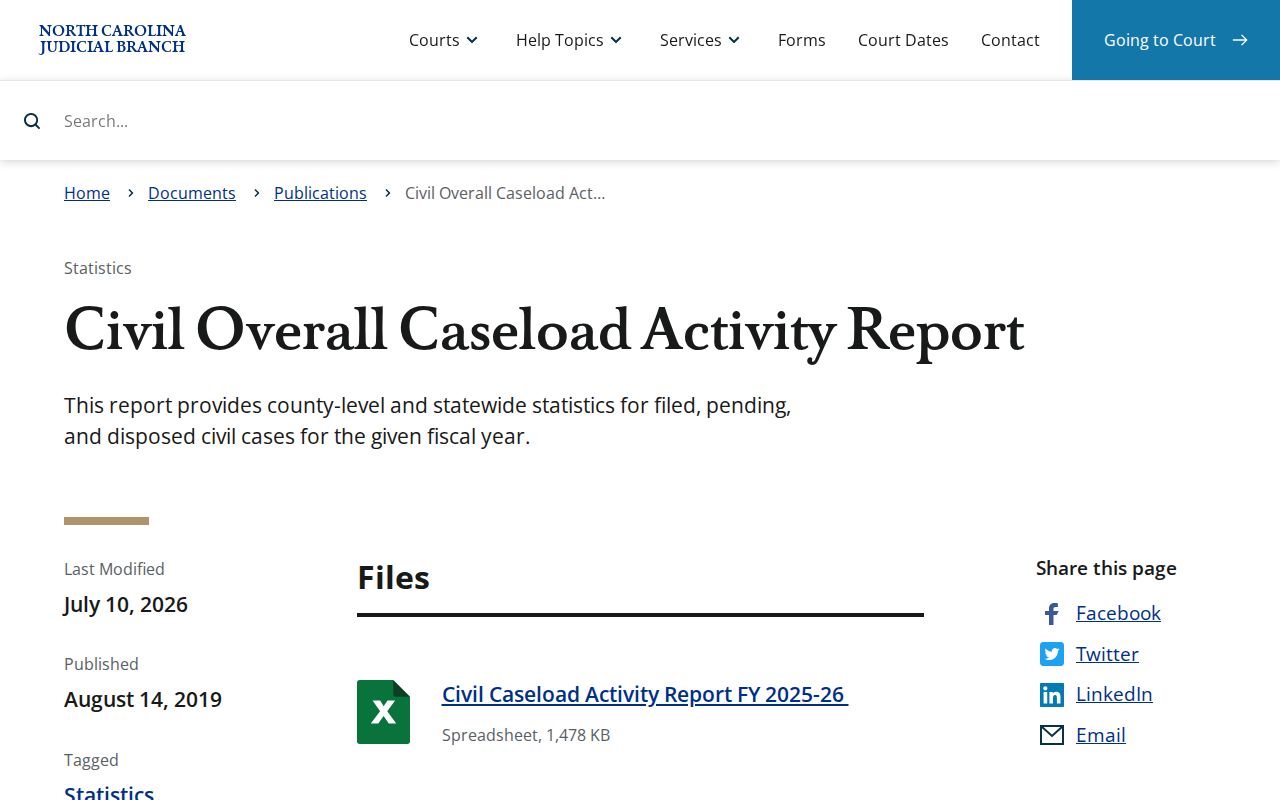
That statewide report gives useful backdrop for the Yancey civil docket. It cannot resolve the status of any single Yancey case.
Settings and Hearings on Civil Dockets
A setting is nothing more than a court event placed on the calendar. To check a Yancey County civil setting, start with the current hearing information in the Case Summary. Search Hearings helps when you need to confirm a time or a location. That said, a notice of hearing, or a continuance entered after it, can outweigh an older date sitting in the event history. If a date matters to a pending matter, confirm it. Check with the clerk or with the attorney handling the case.
District 35 treats requests for setting, notices, continuances, administrative calendars, and trial calendars as distinct entries. A trial calendar names a session. It does not promise the exact order or the exact day a case will be reached. Search fields for courtroom and judicial officer help only when populated. Even then the setting can change.
Note: Confirm any current hearing entry when a Yancey civil setting has recently changed.
Yancey Civil Docket Events
Three docket entries do very different work. A notice of hearing tells you an event is scheduled. A motion to continue asks the court to move it. An order on continuance records what the judge decided about that request. The Yancey County civil docket can carry each of these as its own event. So read them in sequence rather than in isolation. The strongest sign of the current setting is the newest valid hearing entry. A signed notice entered on the record carries the same weight.
- Request for setting
- A District 35 form route for seeking a domestic or general-civil hearing setting.
- Continuance
- A postponement of a scheduled proceeding to another time.
- Administrative calendar
- A court-management calendar, distinct from a final trial date.
- Judgment
- An entered decision or determination. A closed status does not replace reading the judgment itself.
Public Access to Civil Dockets
G.S. 7A-109 opens the local clerk's court records, files, dockets, and indexes to public inspection. Access is barred only where the law prohibits it. Portal puts official indexes and qualifying filings on the Internet. Still, it is not a stand-in for the clerk's complete file or for a certified copy. The courthouse counter and its public terminal give eligible visitors another route. That route leads to the same public material. The state court-records page explains that a file is viewed in the county where it is located.
Yancey civil access rules:
G.S. 7A-109 sets the clerk’s docket and public-inspection baseline.
G.S. 132-6.2 addresses copy media and certification principles, while court-specific fees still apply.
G.S. 1-72.1 supplies a civil judicial-record access motion and sealing procedure.
Yancey Civil Clerk Records
The Yancey County Clerk of Superior Court keeps the civil case file. Before you contact that office, know two things: the case number and the exact document you want. That helps whether you need a paper record, a certified judgment, or something Portal does not carry. The Yancey contact directory and the courthouse page list the official local contact routes. Ask the clerk whether the material is open to public inspection. Ask also whether you need a plain copy or a certified one. NCAOC's public-record request process covers Judicial Branch agency records. It is not a substitute for the clerk's local case file.
Copy fees are on the local clerk fee chart. The first copied page of each document costs $2. Each additional page is $0.25. A certificate under seal runs $3, and exemplification runs $10. What a document costs depends on availability and on how many pages you request. The clerk posts no Yancey web copy-order form and no standard turnaround time.
Yancey Civil Record Boundaries
Not every county records office is a court office. The Yancey Register of Deeds handles land and vital records, not court-case dockets. A deed or similar property record there will not replace the civil Case Summary. Nor will it replace the court file held by the clerk. When a matter touches both a court case and another county record, figure out which document type you actually need. Pick the office after that.
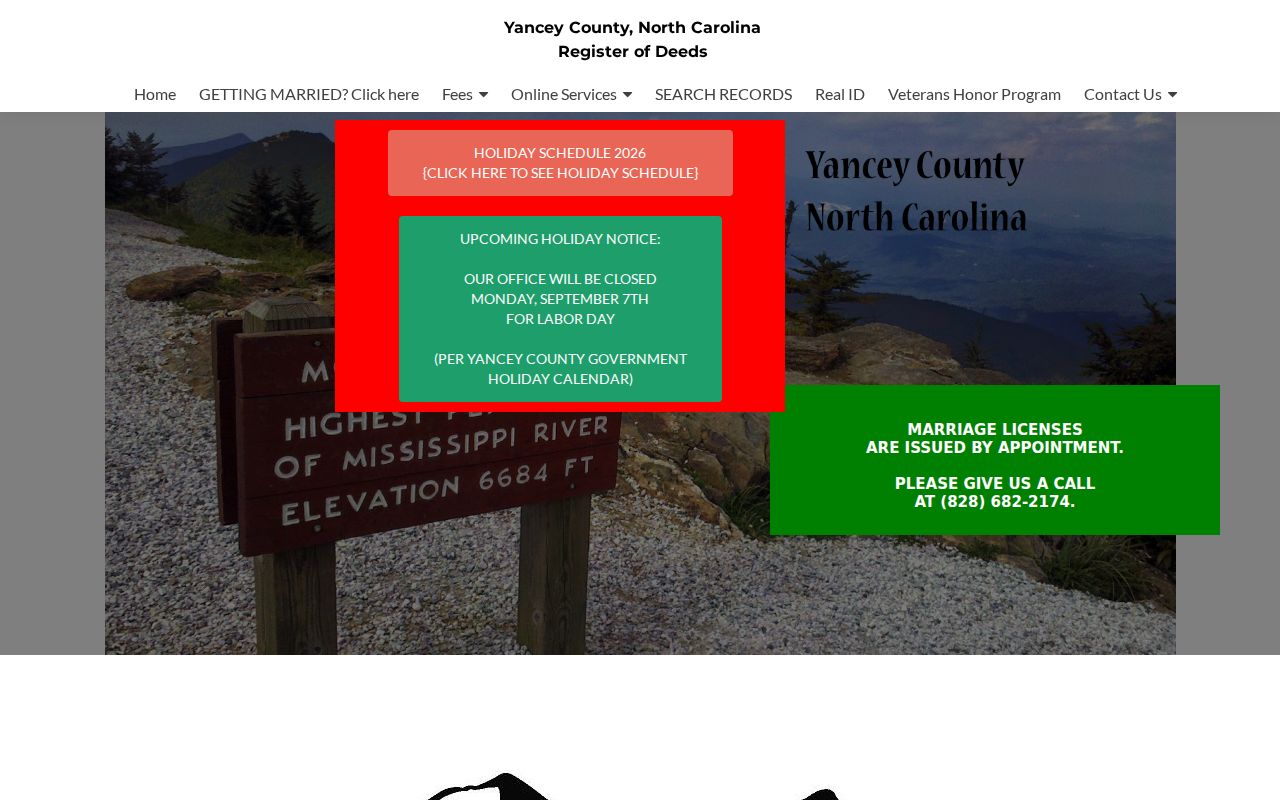
That separate records interface draws the line clearly. For the Yancey County civil docket and for local court-file copies, the Clerk of Superior Court, not the Register of Deeds, is the office to contact. Identifying the document type first helps you avoid sending a records request to the wrong desk.
Yancey Civil Docket Migration
Yancey County joined eCourts on July 21, 2025. That conversion made Portal the shared public case-search interface. It also linked the county to Enterprise Justice and North Carolina File & Serve. The Track 9 announcement documents the local transition. It does not promise that every older civil filing is publicly digitized. Nor does it promise a Portal image for every document.
An older paper file or a thin online result can leave you unsure. Ask the Yancey clerk then, rather than assuming the record was removed. The eCourts change altered the online route to civil court records. It did not change the clerk's role as the custodian of those records.